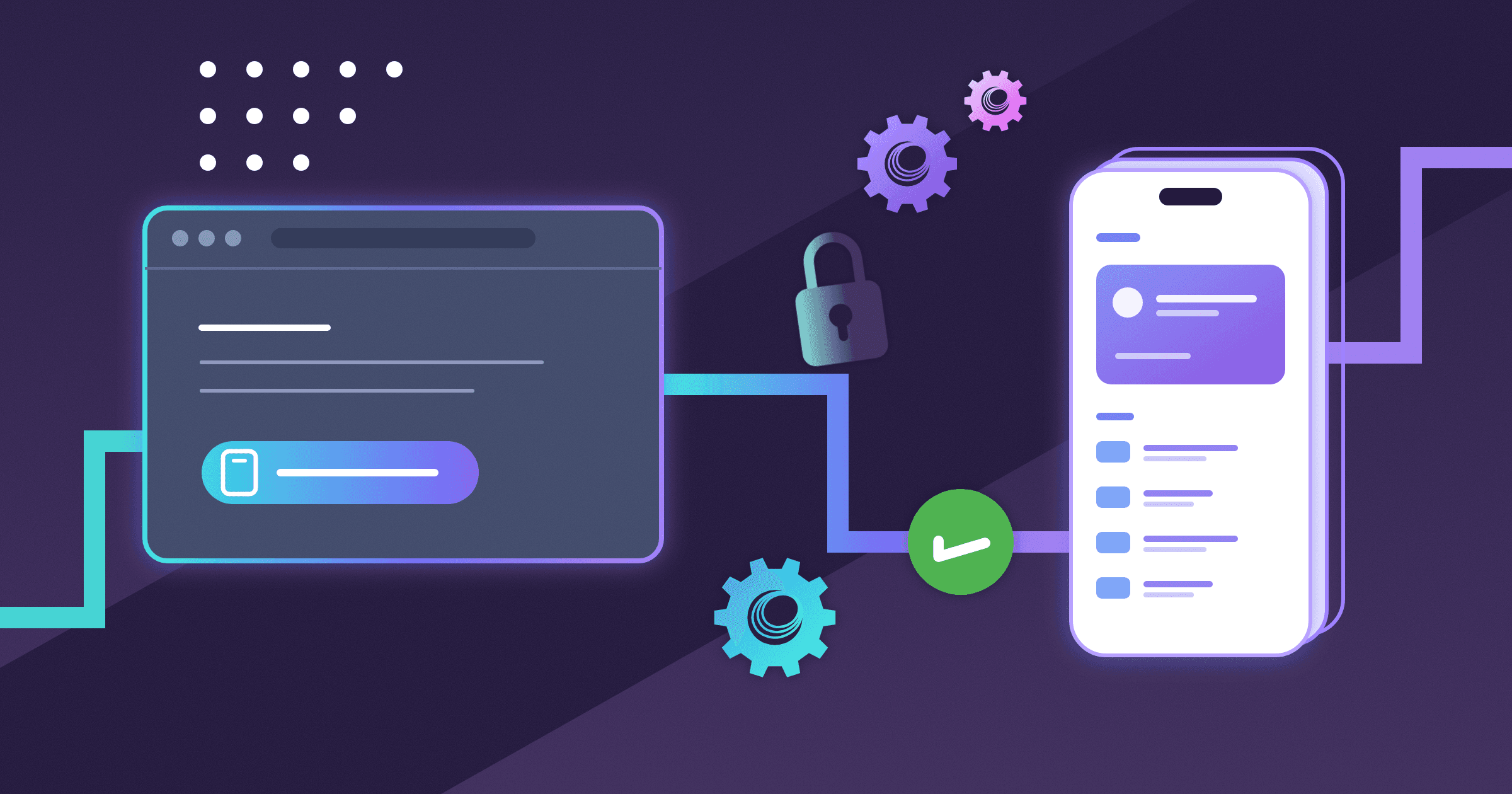
EUDI wallets are arriving, and most of this update is about getting the platform ready for them! For example, Paradym can now verify the PID from d-you and France Identité without any trust setup on your side, and supports the registration certificate that d-you requires. For use cases such as payments with strong customer authentication and document signing, we built a generic foundation to authorize a transaction as part of credential verification. And with Paradym as an OpenID Provider, any app that supports OpenID Connect can ask for a credential the same way it adds "Sign in with Google".
We also gave the dashboard a new look, added Google Cloud KMS and OpenBao for storing signing keys, and now retry failed webhooks for up to three days.
Verification with OpenID Connect
Paradym is now an OpenID Provider. Any application that supports OpenID Connect can ask a user to present a credential from their wallet (to sign them in or for any other check) and gets back an ID token with the verified attributes. Your application never has to deal with OpenID4VP or wallets itself.
Below, a demo bank opens an account by verifying the PID from d-you on desktop, and from France Identité on mobile.
Desktop flow
Mobile flow
You register an OAuth client under Settings → OAuth Clients and give it scopes. Each scope verifies with one of your presentation templates. Your application then redirects users to Paradym, like it would to any other identity provider. The Verification with OpenID Connect guide walks through the setup.
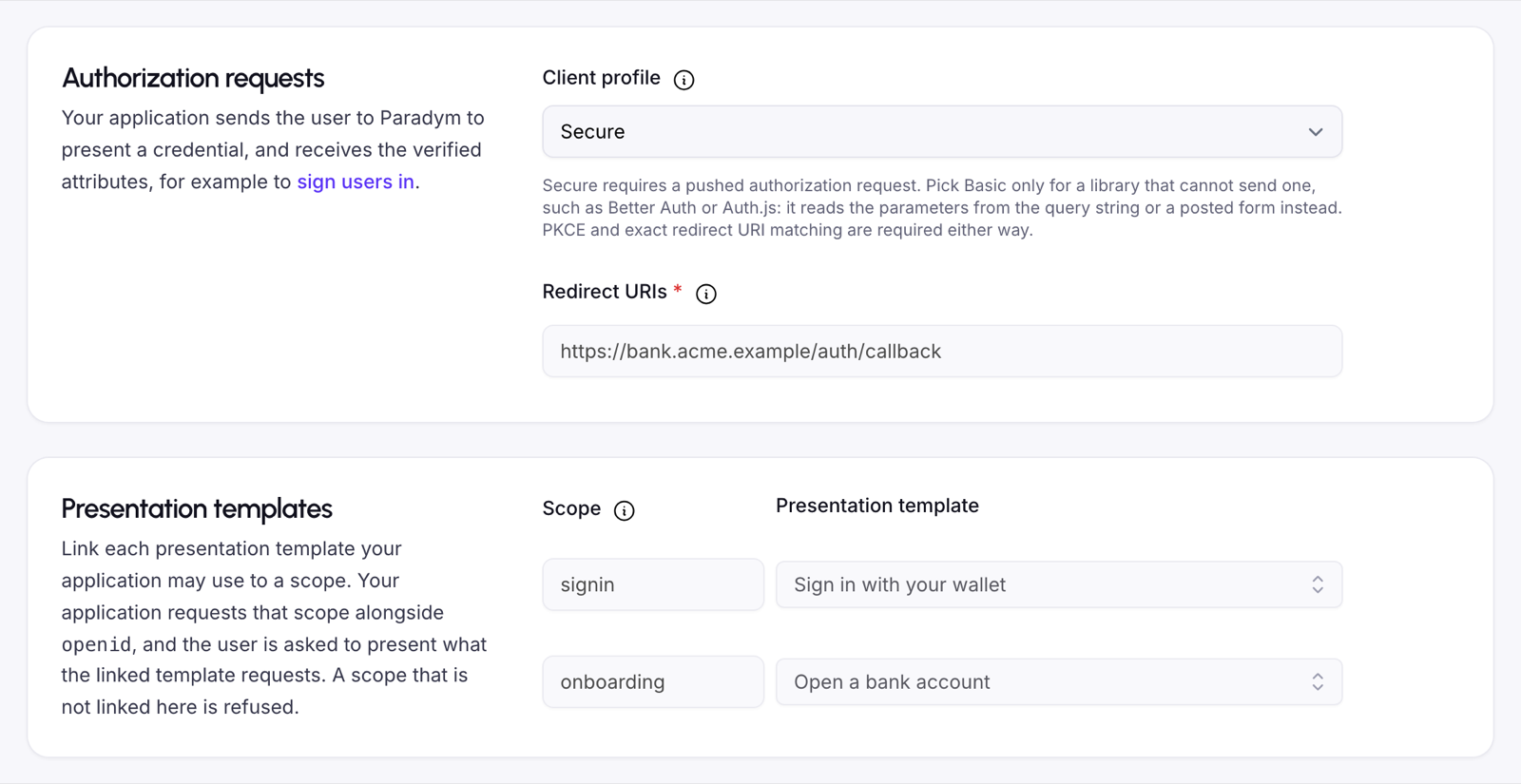
Two features underneath it also work on their own:
- The OpenID4VP redirect flow sends the user back to your application after presenting, and binds the result to the device that presented.
- Allowed flows on a presentation template restrict which flows its requests may use, so you can require the redirect flow for every request from that template.
A new guide helps you choose an assurance level and security model and recommends a high-assurance configuration.
Verification with OpenID Connect is experimental and available from the Builder tier.
Verify credentials from common ecosystems
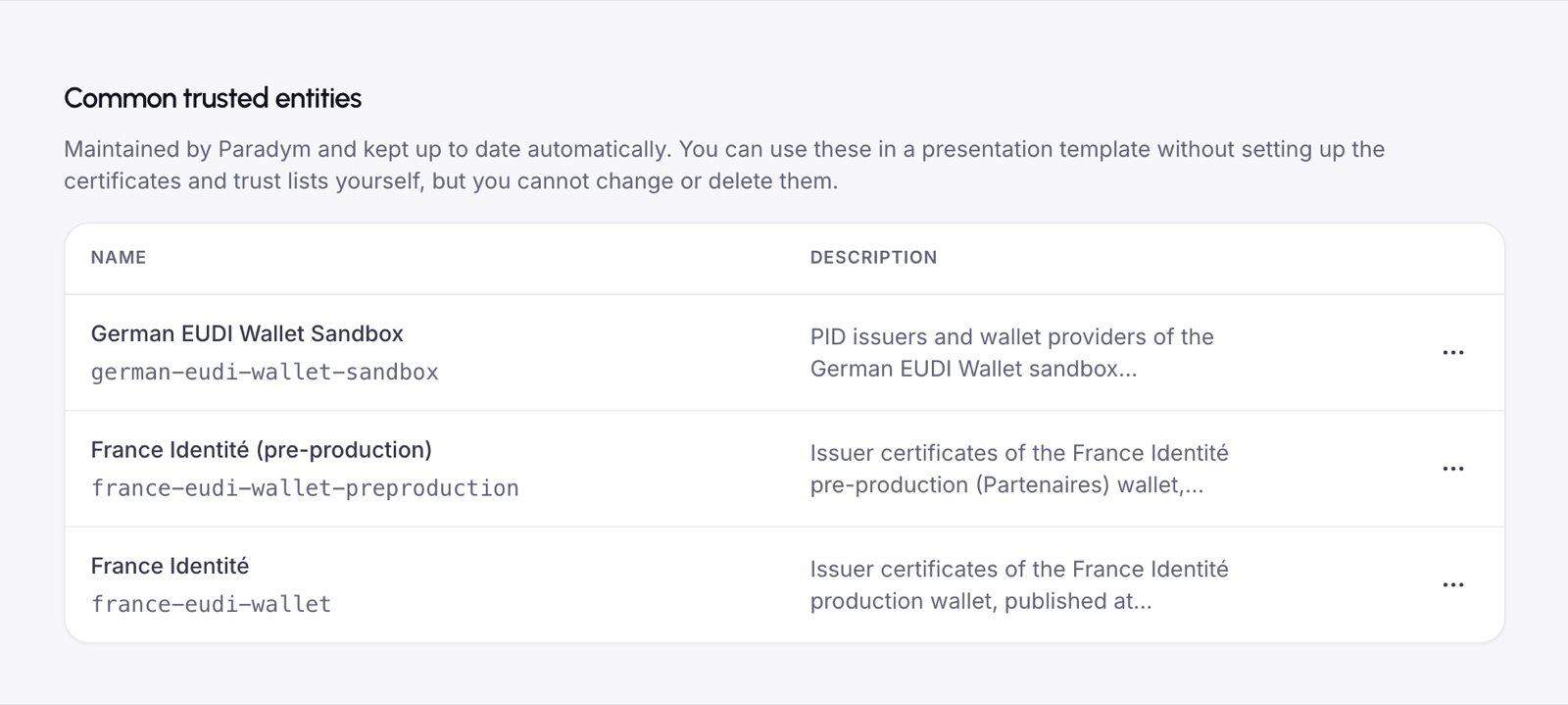
Verifying a credential from a national wallet used to start with hunting down the right issuer certificates or trust lists. Now we do that for you: Paradym provides common trusted entities for popular ecosystems and keeps them up to date. Link one to a presentation template and you're done.
Trusting the German EUDI Wallet Sandbox in a presentation template.
The first ones available are the German EUDI Wallet Sandbox, France Identité and France Identité pre-production. Find them on the Trusted Entities page. The German EUDI Wallet Sandbox uses EUDI trust lists, which are available from the Builder tier.
You can also restrict a trusted certificate or DID to the credential types it is trusted for. Use this when an ecosystem signs its PID and its attestations under different roots.
Transaction authorization for payments and signatures
Paradym now supports OpenID4VP transaction data, so a transaction can be authorized as part of credential verification. A wallet that supports it shows the transaction to the user and signs it into the presentation, which binds the verified result to that exact transaction.
The transaction data is generic: you define the transaction types and their attributes yourself. That makes it usable for payments and strong customer authentication (SCA), and for approving a document signature. We're prototyping SCA for payments (TS12 and PaSO) in the APTITUDE large-scale pilot. And here's what signing a document looks like, in our demo with Docusign:
Define transactions on a presentation template in the dashboard or over the API, then pass the values (such as the amount) when you create the verification.
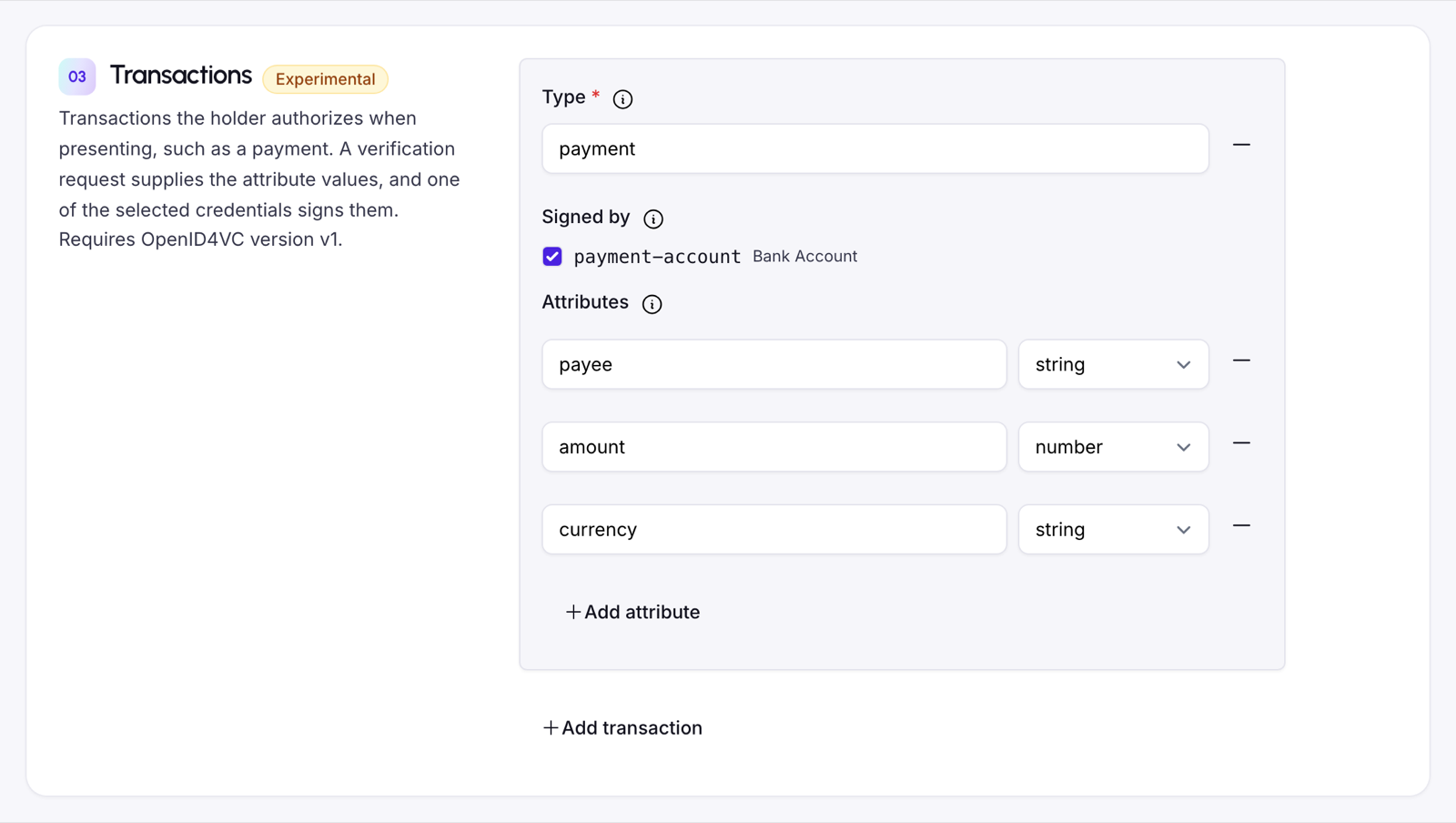
Transactions are experimental, work with SD-JWT VC credentials and OpenID4VC v1, and are available from the Pro tier.
Get ready for EUDI wallet registration
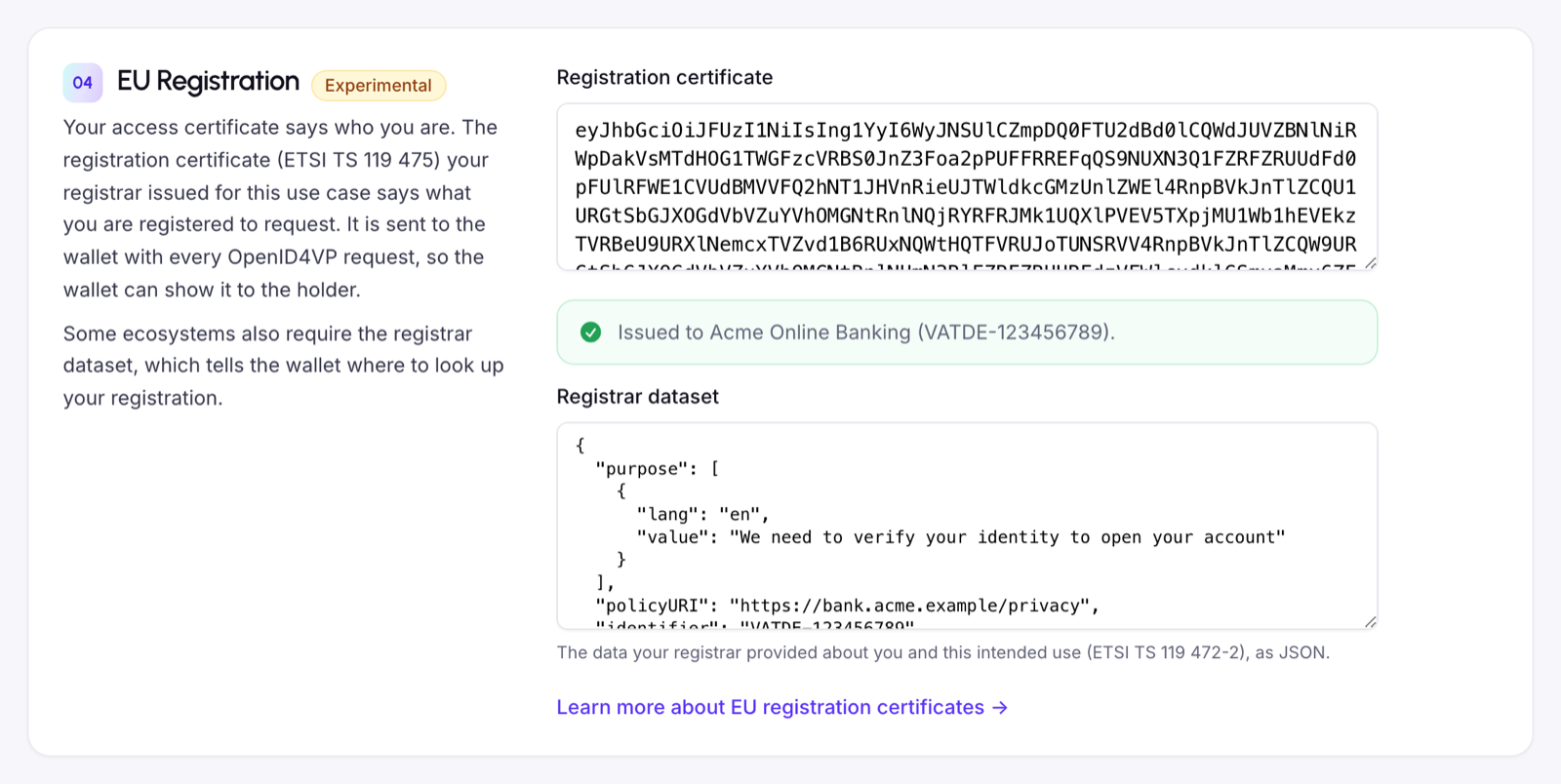
Under the EUDI framework, a relying party has to be registered before it can request credentials from EUDI wallets. d-you, the German EUDI Wallet, already checks this: it only shares its PID when the request comes with a registration certificate.
Presentation templates have a new EU Registration section where you add your registration certificate and the registrar dataset. Paradym checks them against your access certificate and sends them with every OpenID4VP request. This is experimental and available from the Builder tier.
With the German EUDI Wallet Sandbox this works end to end, from the access certificate to the trust lists, and you can verify the PID from d-you. The d-you guide walks you through getting a registration certificate from the Sandbox registrar.
Registration is manual for now, while we wait for registrar APIs to integrate with. The current flow works with any environment that accepts certificate signing requests for access certificates. You create the request in Paradym, import the signed access certificate, and link your registration certificate to a presentation template.
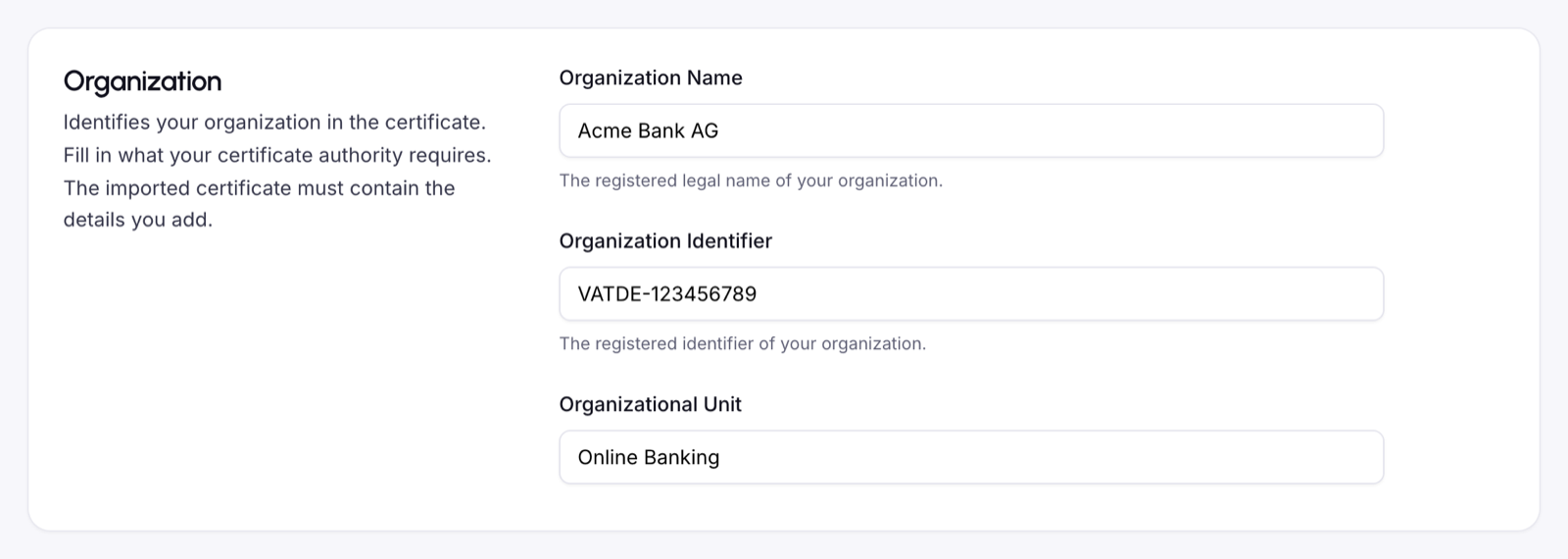
Those certificate signing requests can now include your organization name, organization identifier and unit, plus DNS names, email addresses and URIs. You can download the request as a .pem file.
Choose where your signing keys live
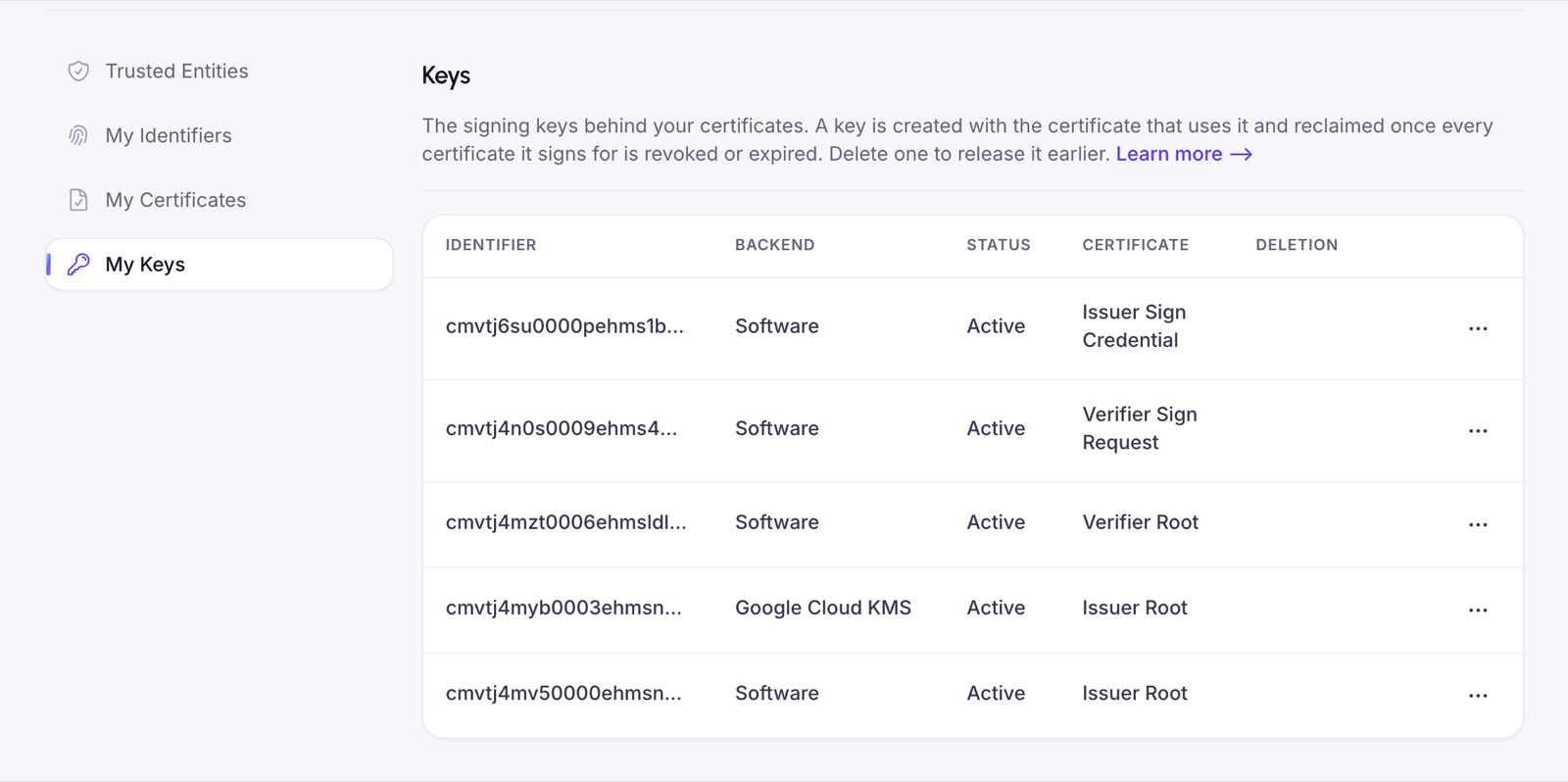
You can now store the keys behind your certificates in a key management system. When you create a certificate or signing request, pick one of the external key backends for its key:
- Google Cloud KMS, from the Builder tier. The key is generated in Cloud KMS and never leaves it.
- OpenBao (or Vault), for on-premise deployments. It supports both
P-256andEd25519, and on Kubernetes the agent can log in with its service account.
The new My Keys page under Trust lists every key behind your certificates, with its status and what it's used for.
Templates that use did:web or did:webvh can now sign with P-256 instead of Ed25519, for wallets and relying parties that require it.
Webhook retries
Paradym now retries failed webhooks. When your server doesn't respond with a 2xx within 5 seconds, it tries again, up to 10 times over about 3 days. A short outage on your side no longer costs you an event. It does mean a webhook can arrive more than once, so use its webhookId to skip the ones you already processed.
You can also see every webhook sent to an endpoint, with the result of each attempt, and resend the ones that failed. And you can now fetch and update a webhook by ID instead of recreating it.
did:cheqd is being retired
did:cheqd is deprecated. From December 1, 2026 you can no longer create new cheqd DIDs, and on March 1, 2027 cheqd support is removed. Wallets with a cheqd DID show a warning in the dashboard. The did:cheqd deprecation guide explains how to move to did:webvh or X.509 certificates. If you still depend on it, contact us and we'll help you plan the migration.
A new look for the dashboard
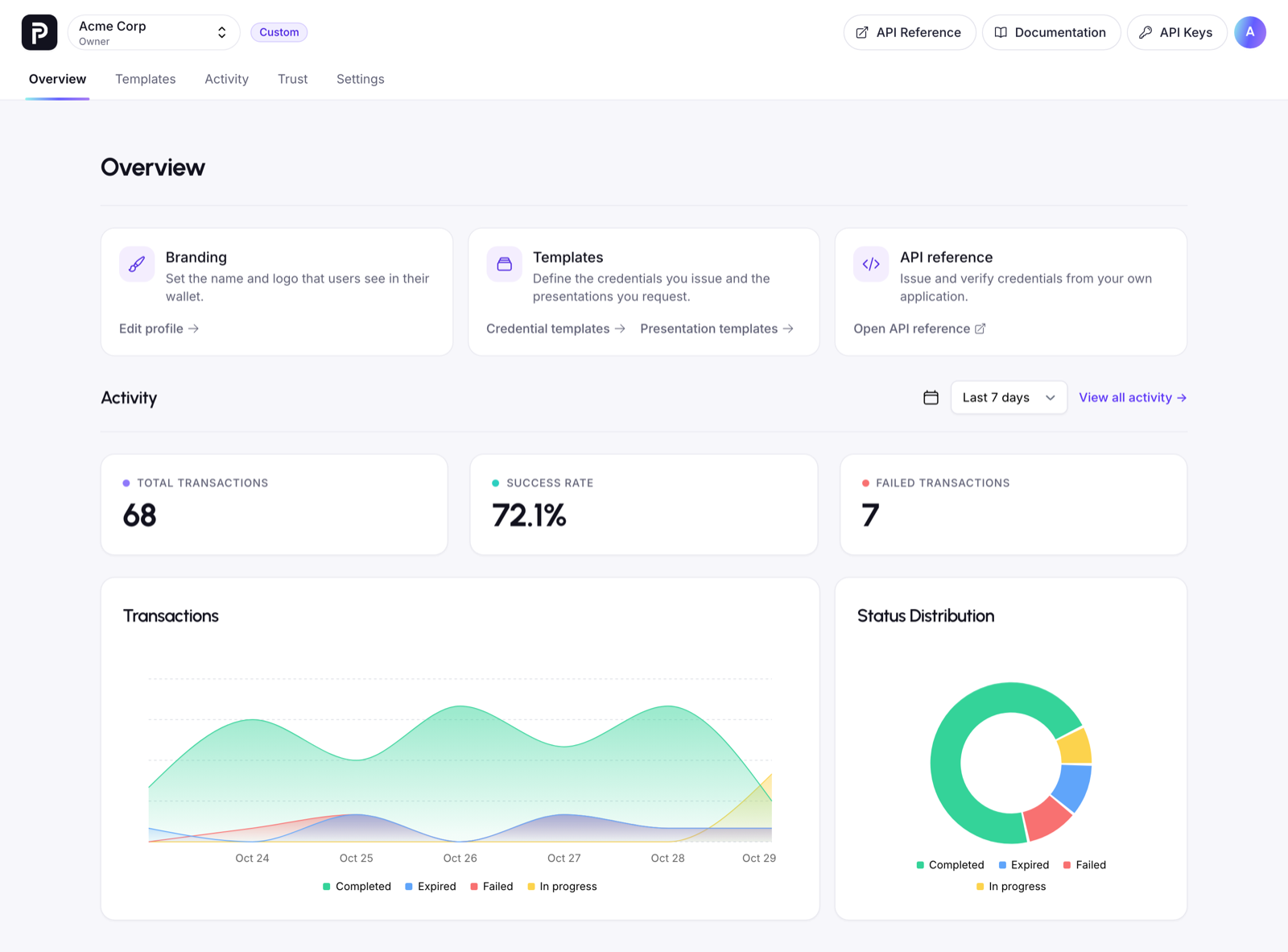
We gave the dashboard a fresh new look, with a new design and a cleaner overview page to start from. Log in to see it, and tell us what you think.
The changelog has everything else we shipped. Start building for free, or explore the Paradym API Reference.