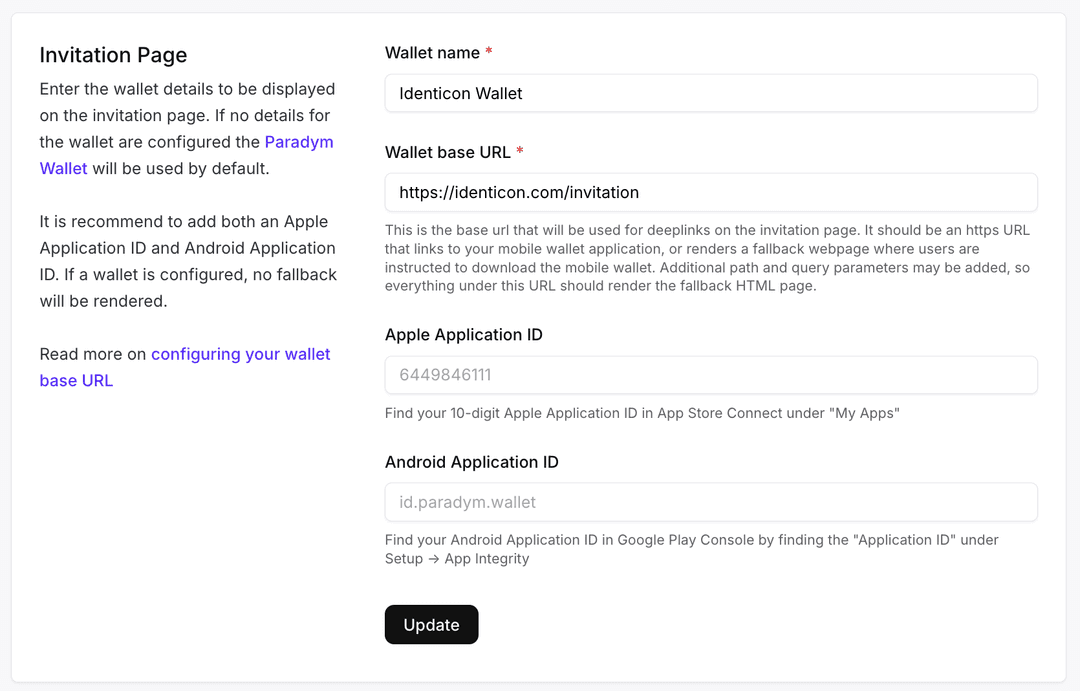
When creating an invitation for DIDComm or OpenID4VC we now also provide you with a QR image url. This allows you to easily render a QR for an invitation on your website or application. The QR code will be the same as is rendered on the invitation page, and leverages the custom wallet base URL if configured.
If the user has the configured wallet installed, they will be automatically deeplinked into the wallet, otherwise they will be redirected to the invitation page where they're prompted to install the configured wallet.
You can find the QR image uri in:
invitationQrUrifor didcomm connection invitationsdidcommInvitation.invitationQrUrifor DIDComm issuance offers or DIDComm verification requestsofferQrUrifor OpenID4VC issuance offersauthorizationRequestQrUrifor OpenID4VC verification requests